
Open a public page
Paste a creator, channel, or playlist URL into the integrated browser.
Public links you are allowed to accessPaste a public creator, channel, or playlist link in VideTool, review the captured resources, choose the quality you need, and add the selected videos to your local download queue.
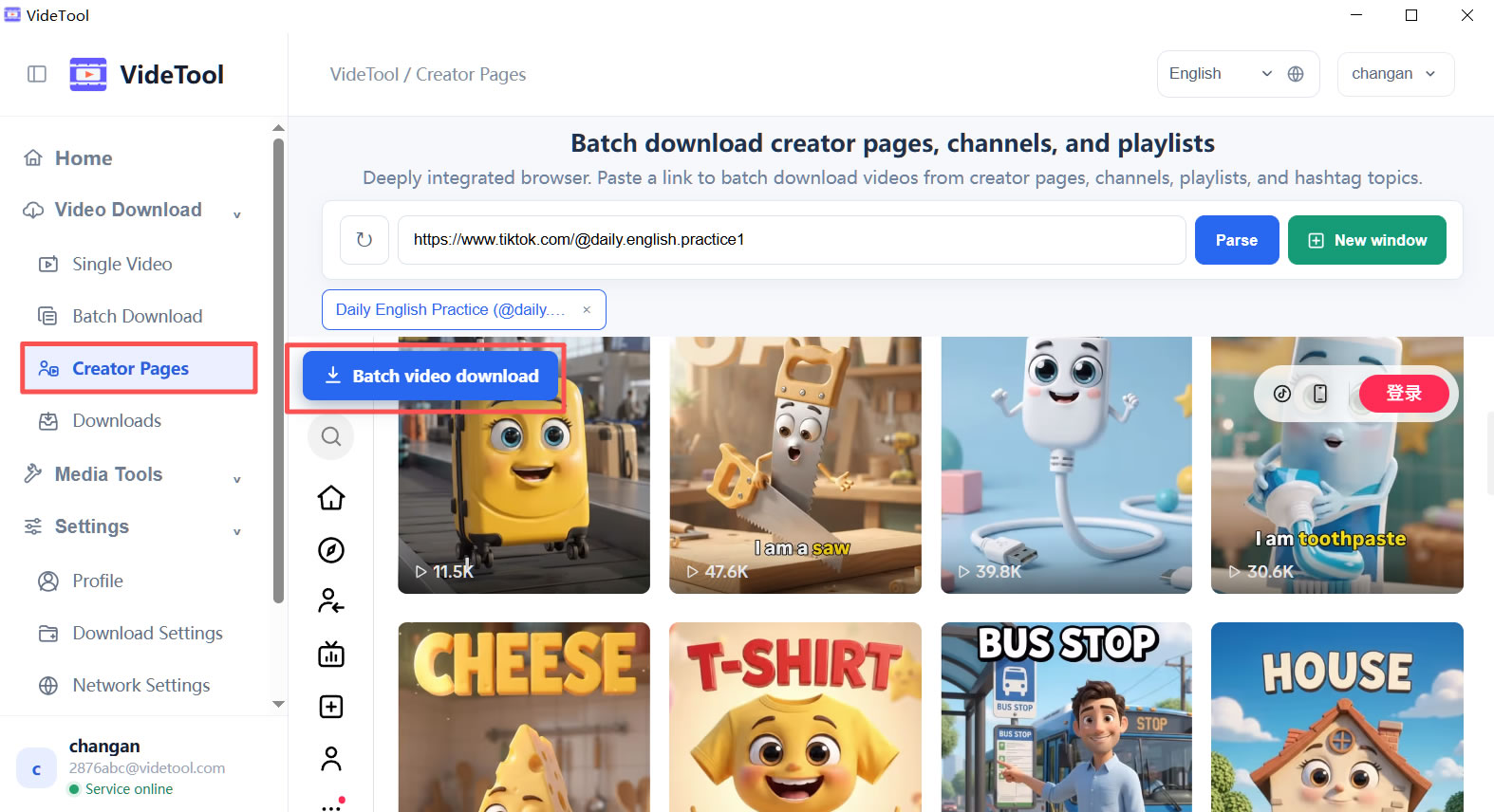
The desktop client keeps discovery, selection, and download confirmation in one place, so you can handle a whole page without losing track of what will be saved.
Paste a creator, channel, or playlist URL into the integrated browser.
Public links you are allowed to accessVideTool lists the videos discovered on the page and shows their titles, links, and available media type.
Keep the source context visibleSelect all or only the items you need, then choose automatic or a specific video quality.
Review before adding tasks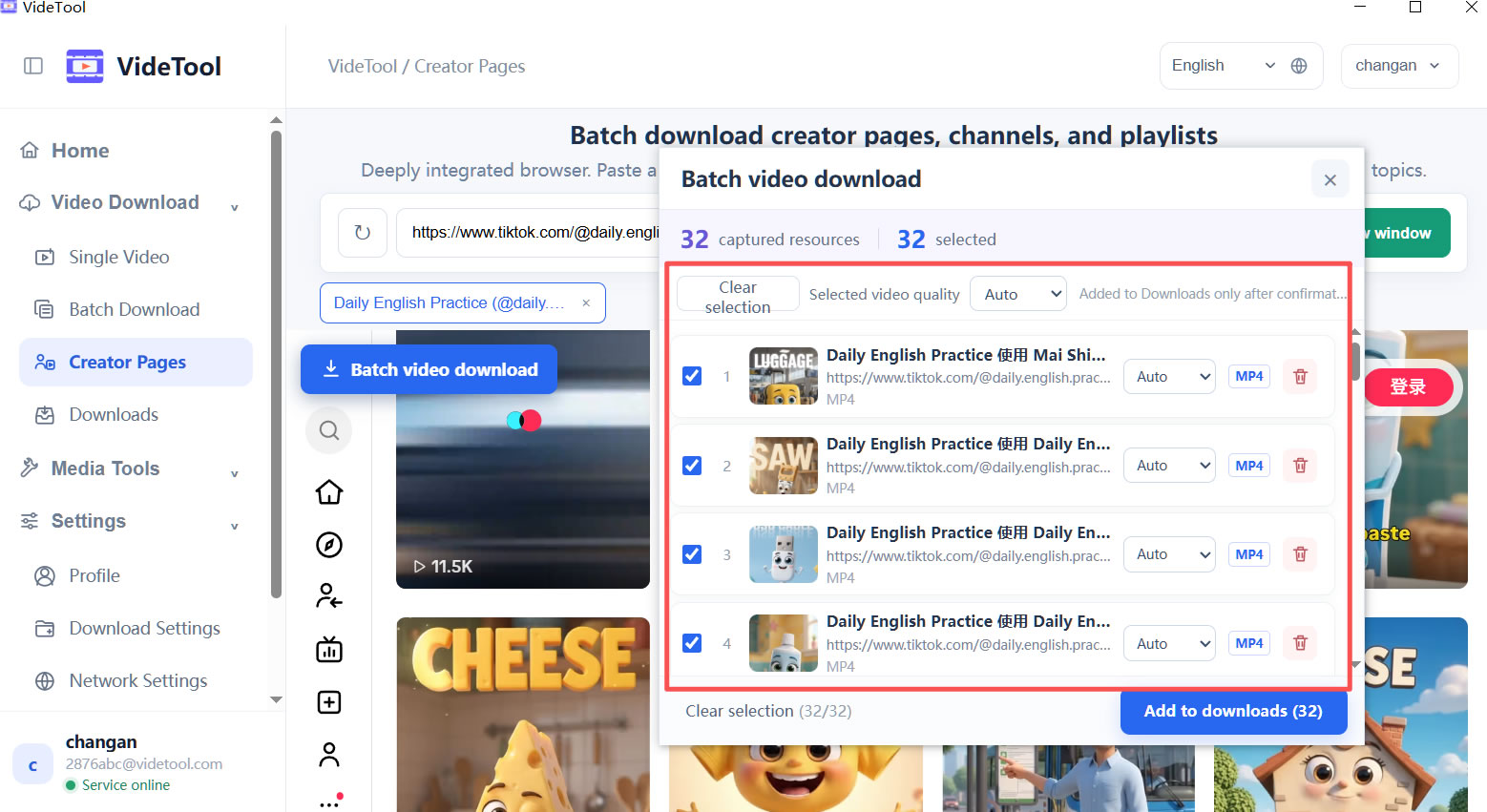
The confirmation panel keeps the selection count, thumbnails, titles, quality controls, and file types together. Remove anything you do not need, then add the final selection to Downloads.
Handle a page as a collection instead of opening and saving every video one by one.
Titles, thumbnails, links, and quality controls make the final download list easy to verify.
Confirmed videos continue through the same local queue, history, and output folder workflow.
VideTool is intended for public media you are allowed to access and process. Platform availability, captured resources, and quality options can vary by source, region, and network conditions.