
VIDETOOL

One local workspace for every media task.

VideTool helps you turn public media links and local files into organized, ready-to-use video and audio results on Windows.

Download public mediaProcess files locallyKeep results organized
VideTool
LOCAL MEDIA WORKSPACEToday’s tasks
6 active
Reference interview4K · MP4 · 82%
82%
Extract audio trackMP3 · ready to export
MP4MP3WAVJPG
WHAT VIDETOOL DOES

Download, process, and organize without switching tools.

Whether you save a single reference clip, prepare a batch of material, or turn a video into audio, each step stays in one Windows app.

01 · DOWNLOAD

Bring public media into a manageable download queue.

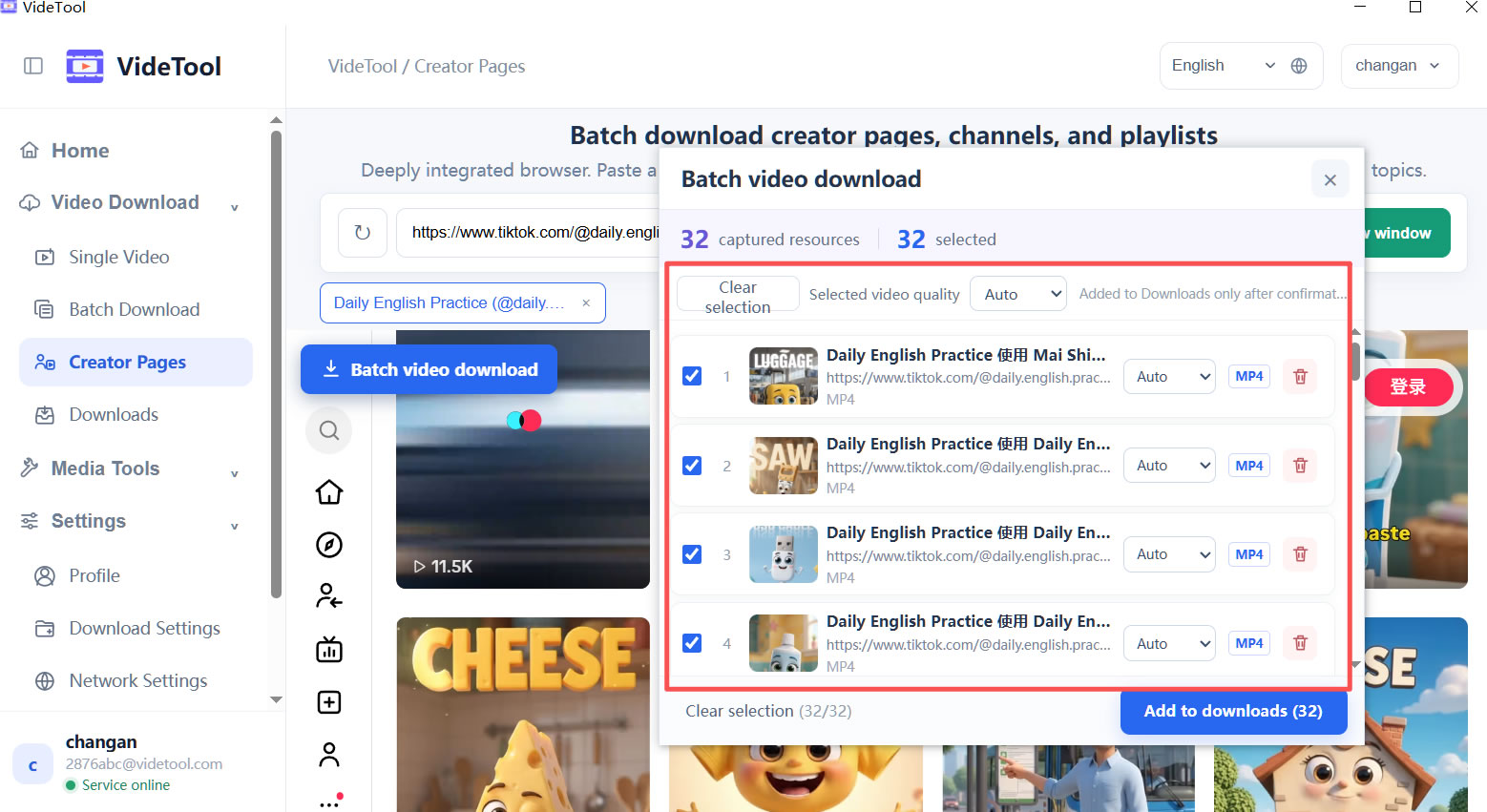
Paste one link or a list of links, review the available video, audio, and cover options, then start only the files you actually need.

  • Choose quality before starting a task
  • Track speed, progress, and failures in one queue
  • Pause, resume, or retry temporary failures
Single linksBatch tasksQuality options
Download queue3 active
Reference interview4K · MP4 · 82%
82%
Public short videoMP3 · ready
Playlist collection1080P · 6 items
6
02 · LOCAL PROCESSING

Turn one file into the format and track you need.

After a download finishes, continue with conversion, MP3 extraction, audio-video merging, or track separation without uploading your media to an online converter.

  • Convert common video and audio formats locally
  • Extract audio for listening, editing, or archiving
  • Merge video, audio, and images for simple output tasks
MP4MP3WAVM4A
Format conversionLocal task
MP4
travel-notes.mp41.2 GB · 1920 × 1080
MP3WAVM4A
Extract audio trackReady
03 · ORGANIZE RESULTS

Keep every output easy to find and ready for the next step.

Set output folders for downloads and tools, check the task history when you need it, and open results directly from the completed task instead of hunting through folders.

  • Choose folders that match your project or media type
  • See what finished, failed, or still needs attention
  • Continue working while local tasks run in the background
Output foldersTask historyBackground tasks
Completed files12 items
D:\Media\Exports
MP4
interview-final.mp4Downloaded today
MP3
interview-audio.mp3Audio extraction
JPG
cover-image.jpgCover saved
DESIGNED FOR REAL TASKS

Small details that make media work less fragmented.

These are practical controls that keep everyday downloading and processing predictable.

01

Know what you can save

Review the source-provided quality and resource options before adding a task, so you can choose the right file for your purpose.

For reference clips and higher-quality material
02

Make audio useful on its own

Extract MP3 or convert audio formats when a video is only needed for its speech, music, or sound reference.

For listening, editing, and archiving
03

Stay oriented during batch work

Queue status and task history show what is downloading, what is complete, and what needs a retry.

For several files at once
04

Keep processing local

Conversion and related media processing run on your Windows device. The website does not receive your local media files.

For a more controlled file workflow
USE RESPONSIBLY

Built for public, authorized content.

VideTool is intended for media you are allowed to access and process. Availability can vary by platform, region, source quality, and network conditions.